
Metadata & IPTC Writing
RaceTagger can embed race numbers, participant names, and event information directly into your photo files as industry-standard IPTC and XMP metadata. This means the data travels with the photo — searchable in Lightroom, Photo Mechanic, and any DAM system.
Why Metadata Matters
Metadata is embedded in the photo file itself, making it an inseparable part of your image. Unlike external spreadsheets or folder structures, metadata lives inside the file where professional tools can access it.
- Searchable everywhere: Lightroom, Bridge, Photo Mechanic, Capture One — any professional photo management tool can index and search your metadata.
- Persists with the file: When you share, upload, or archive photos, the metadata travels along.
- Essential for professionals: If you sell event photos or license them, metadata is critical for attribution, searchability, and workflow integration.
- Long-term findability: Years later, search "car 42" in Lightroom and instantly find every photo from that event with that race number.
Professional Standard
IPTC and XMP are open standards used worldwide in photography, journalism, and archives. Every major DAM system supports them.
What Gets Written
RaceTagger writes the following fields to your photos:
Description / Caption (IPTC: Caption-Abstract, XMP: dc:description) — Example: Race #42 - Max Verstappen - Red Bull Racing - Formula 1
Keywords (IPTC: Keywords, XMP: dc:subject) — Example: 42, Max Verstappen, Red Bull Racing, Formula 1, motorsport
Title (IPTC: Object Name, XMP: dc:title) — Example: Race #42 - Max Verstappen
Custom Fields (XMP: custom:*) — Event name, location, date, photographer name (if configured)
All fields follow industry-standard naming conventions. This ensures compatibility with every major DAM system and photo editing software.
Writing Strategies
RaceTagger offers three flexible approaches to writing metadata:
XMP Sidecar (Recommended for RAW) — Creates a .xmp file alongside the original. Non-destructive — your original file is never modified. Compatible with Lightroom and most RAW editors.
Example file layout:
photo.CR3 (original, untouched)
photo.CR3.xmp (metadata sidecar)
Pros: Non-destructive, RAW-safe, Lightroom-native support, easy to remove or rebuild. Cons: Two files to manage per photo.
Direct Embed — Writes metadata directly into JPEG/PNG files. One file to manage. Works everywhere. Note: modifies the original file.
Example: photo.jpg (original + metadata embedded)
Pros: Single file, no extra files, simple workflow. Cons: Modifies original file, not recommended for RAW.
Both (Maximum Compatibility) — Creates XMP sidecar AND embeds in file. Maximum compatibility — works with every tool and workflow. Best for: Organizations that need guaranteed compatibility across multiple DAM systems and editing workflows.
Default Behavior
XMP Sidecar is the default for RAW files (safest), Direct Embed for JPEG/PNG.
Setting Up Metadata Writing
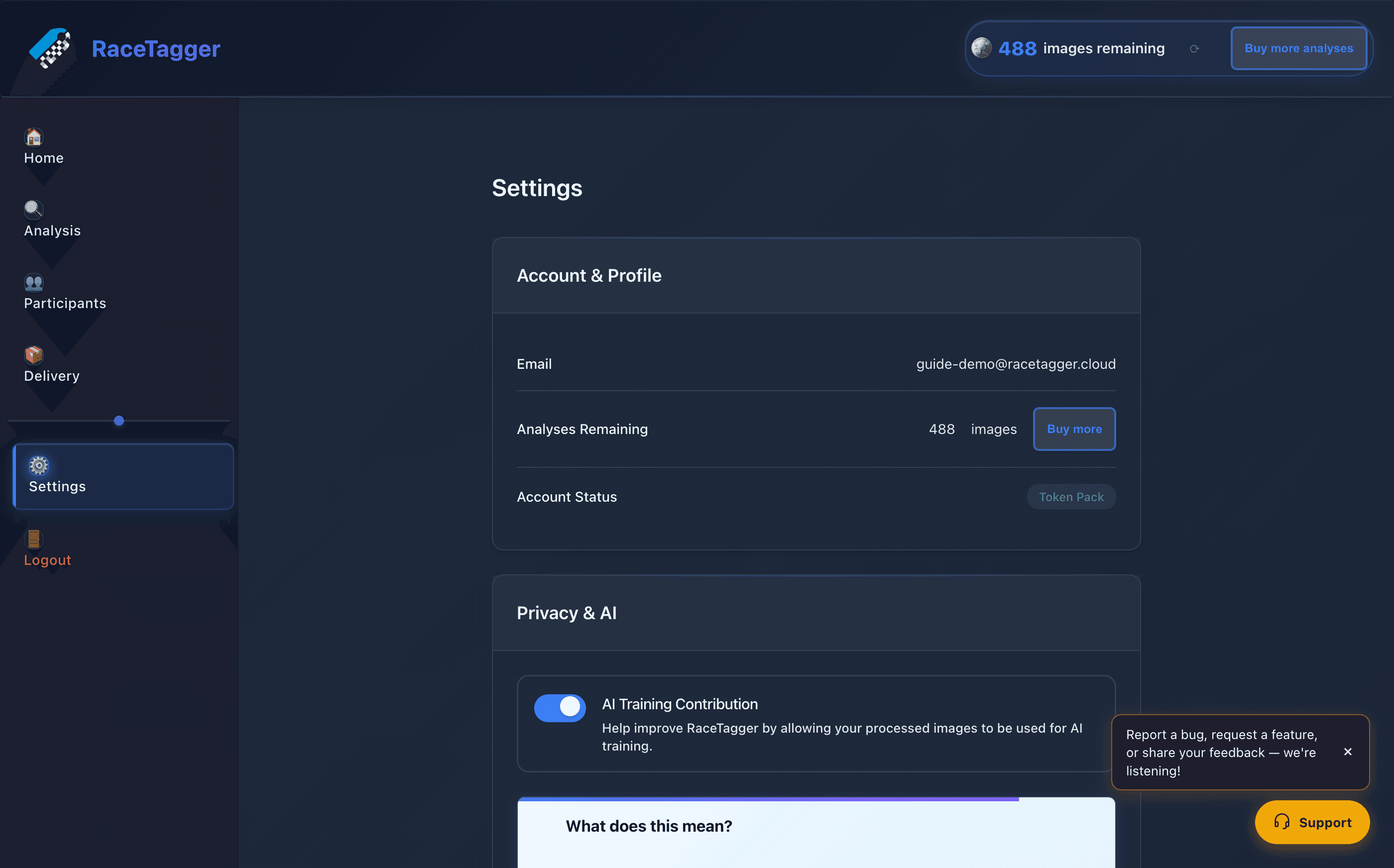
1. Access Settings — Go to Settings → Metadata in the RaceTagger dashboard.
2. Choose Writing Strategy — Select one of the three strategies above:
- XMP Sidecar (recommended for RAW)
- Direct Embed (JPEG/PNG)
- Both (maximum compatibility)
3. Configure Optional Fields — Set these once — they apply to every photo in every batch:
Event Name— Automatically added to keywords and descriptionPhotographer Name— Added as photographer credit in IPTCCopyright Notice— Applied to every photo
4. Save & Batch — Once configured, metadata writing is automatic. When you batch-process photos, RaceTagger embeds all recognized race numbers, participant names, and custom fields you've configured.
Compatibility
RaceTagger's IPTC and XMP metadata is compatible with every major photo management platform:
- Adobe Lightroom — Full compatibility (IPTC + XMP sidecars)
- Adobe Bridge — Full compatibility
- Photo Mechanic — Full compatibility
- Capture One — Full compatibility
- Google Photos — Reads keywords and descriptions
- Windows Explorer — Shows IPTC title and keywords
- macOS Finder — Basic metadata display
Industry Standard
IPTC and XMP are open standards. If your DAM system can't read them, that's a limitation of that tool — not RaceTagger.
Tips
Always Backup First — Keep originals backed up before metadata writing. While XMP sidecars are non-destructive, direct embedding modifies files.
RAW → XMP Sidecar — For RAW files, XMP Sidecar is the safest option. It preserves your original file and works seamlessly with Lightroom.
Keywords Are Searchable — Keywords are the most powerful field for long-term searchability. A photo with keywords "42, Max Verstappen, F1" is findable years later.
Set Copyright Once — Configure your copyright notice in Settings once — it applies to every photo you batch-process. Professional and automatic.
Lightroom Integration — If you use Lightroom, import the XMP sidecars after RaceTagger processing. They sync into your Lightroom catalog automatically.