

Understanding the Tools
Before comparing, let's clarify what each tool does—and where they overlap.
What Photo Mechanic Does
Photo Mechanic is a digital asset management tool focused on speed:
- Ingest: Fast transfer from cards to computer
- Culling: Rapid selection with keyboard shortcuts
- Metadata: IPTC template application, code replacement
- Organization: Contact sheet view, batch renaming
Photo Mechanic excels at: Getting from memory card to selected photos as quickly as possible.
What AI Tagging Does
AI tagging is intelligent automation for race-specific tasks:
- Detection: Finding race numbers in photos
- Recognition: Reading bib numbers and car numbers
- Matching: Connecting numbers to participant names
- Embedding: Writing metadata automatically
AI tagging excels at: Eliminating the tedious task of manual race number identification.
The Key Insight
These tools aren't direct competitors—they solve different problems. Photo Mechanic organizes files quickly. AI tagging identifies race participants automatically. The real question is: what's the optimal combination for your workflow?
Feature Comparison
| Feature | Photo Mechanic | AI Tagging (RaceTagger) |
|---|---|---|
| Culling speed | ⭐⭐⭐⭐⭐ Lightning fast | ⚠️ Requires separate culling |
| Race number detection | ❌ Manual only | ⭐⭐⭐⭐⭐ Automated |
| Metadata embedding | ✅ Full IPTC/XMP | ✅ Full IPTC/XMP |
| Code replacement | ✅ Advanced | ⚠️ Not needed (automated) |
| Contact sheet view | ⭐⭐⭐⭐⭐ Best in class | ❌ Not included |
| Batch processing | ✅ Excellent | ✅ Excellent |
| Learning curve | ⭐⭐⭐ Moderate | ⭐⭐⭐⭐⭐ Easy |
| Cost efficiency | ⭐⭐⭐ One-time $149 | ⭐⭐⭐⭐⭐ Pay per use |
The Time Test: Real Race Event Comparison
Let's compare actual workflows on a typical motorsport event: 3,000 photos shot, 600 keepers after culling.
Workflow A: Photo Mechanic Only (Traditional)
Phase 1: Ingest and Cull (45 minutes)
- Ingest photos: 5 minutes
- Culling in Photo Mechanic: 40 minutes
- Result: 600 keepers selected
Phase 2: Manual Tagging (6 hours)
- Open each keeper in Photo Mechanic
- Read race number manually
- Look up in entry list
- Type metadata via code replacement
- Average: 36 seconds per photo
- Total: 600 × 36s = 6 hours
Phase 3: Export to Lightroom (15 minutes)
- Copy files with metadata
- Import to editing software
Total time: 7 hours
Workflow B: Photo Mechanic + AI Tagging (Hybrid)
Phase 1: Ingest and Cull (45 minutes)
- Same as Workflow A
- Photo Mechanic handles this perfectly
Phase 2: AI Tagging (25 minutes)
- Export keepers from Photo Mechanic
- Upload to RaceTagger with participant CSV
- AI processes 600 photos: 15 minutes
- Review flagged detections: 10 minutes
Phase 3: Export to Lightroom (15 minutes)
- Files already tagged and organized
- Import to editing software
Total time: 1.25 hours
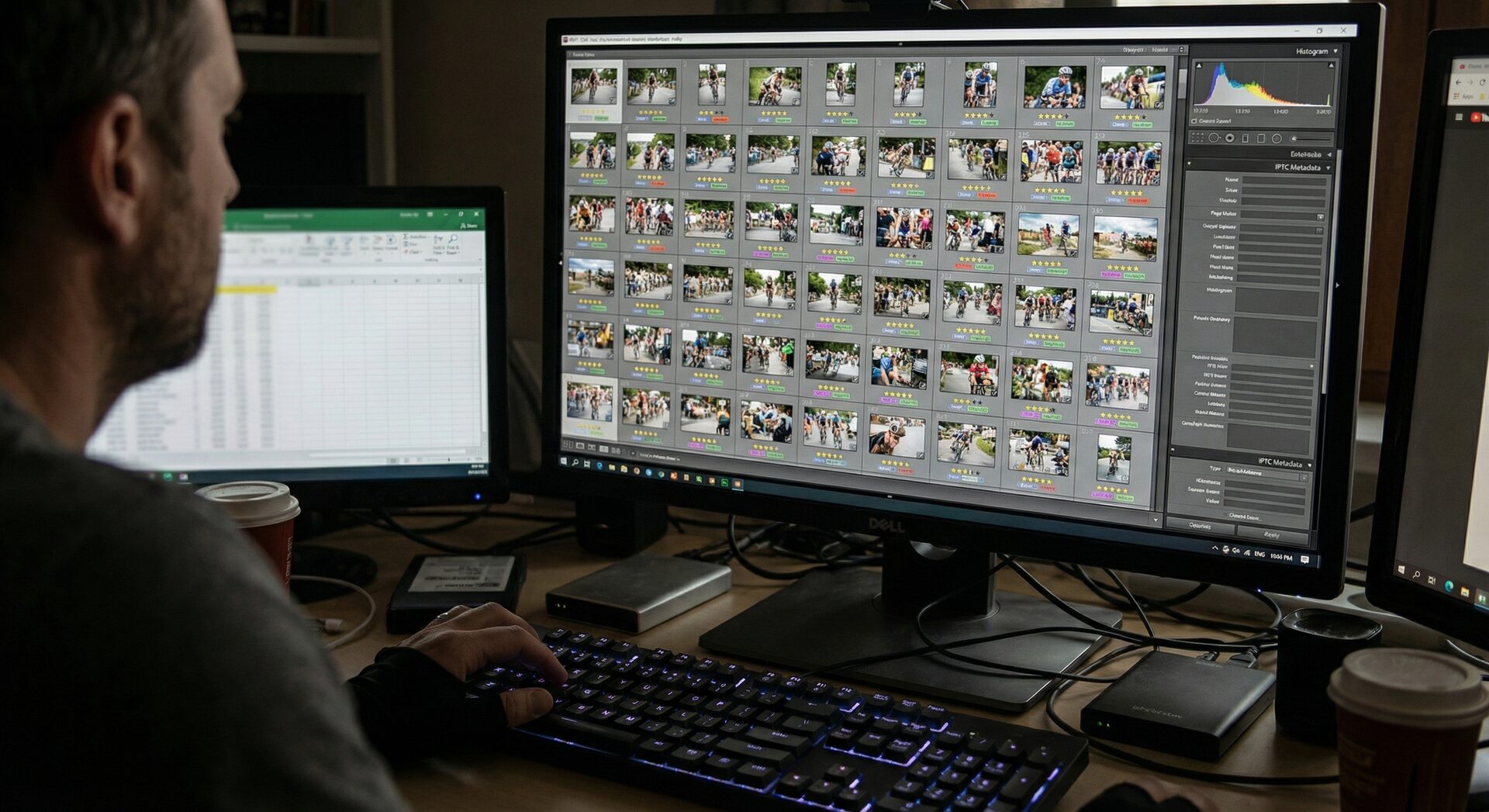
Photo Mechanic Strengths
1. Unmatched Culling Speed
Photo Mechanic's contact sheet view and keyboard shortcuts remain unbeatable:
- Instant thumbnails: No waiting for previews
- Muscle memory: Navigate and rate without looking at keys
- Batch operations: Apply actions to multiple photos simultaneously
Professional sports photographers consistently rate Photo Mechanic as the fastest culling tool available. This isn't changing anytime soon.
2. Code Replacement for Partial Automation
Photo Mechanic's code replacement feature helps with manual tagging:
{num}
Type {num} and Photo Mechanic replaces it with the race number from your text file.
Limitation: You still need to:
- Read the number manually
- Type the code
- Maintain the replacement file
Speed improvement: 20-30% faster than fully manual typing
3. Industry Standard Compatibility
Photo Mechanic works with:
- Every RAW format
- All major editing software
- Agency metadata requirements
- Legacy workflows and archives
If you work with photo agencies or established teams, Photo Mechanic is often the expected standard.
4. One-Time Purchase
At $149, Photo Mechanic is affordable and perpetual:
- No subscription fees
- Free minor updates
- Years of use before upgrades needed
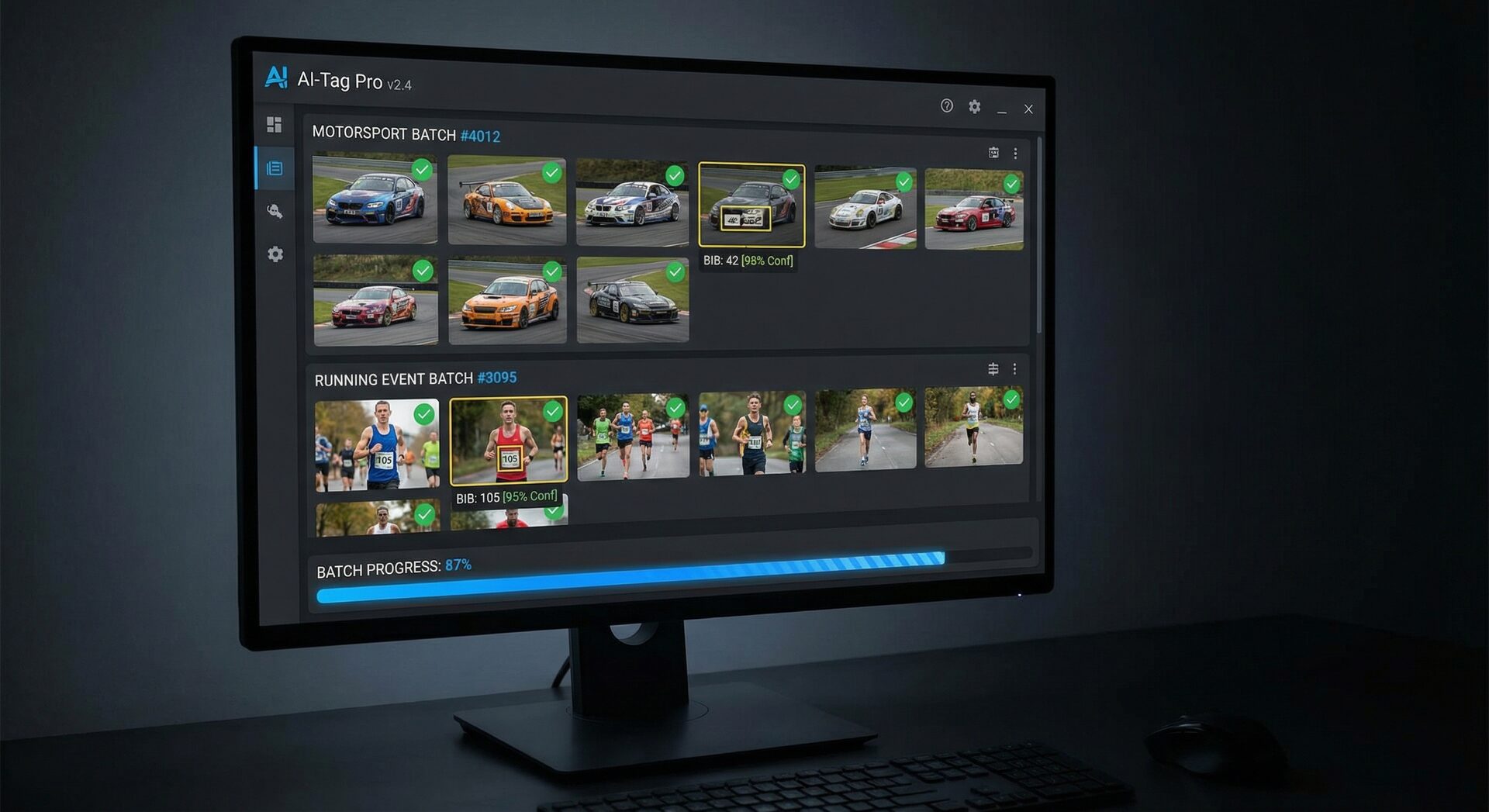
AI Tagging Strengths
1. True Automation
AI tagging eliminates the manual work Photo Mechanic can't automate:
- Detection: Finds race numbers automatically
- Recognition: Reads numbers without human input
- Matching: Connects to participant database
- Embedding: Writes complete metadata
You review results instead of typing data.
2. Scale Handling
AI excels at volume:
| Photos | Manual Tagging | AI Tagging |
|---|---|---|
| 100 | 1 hour | 5 minutes |
| 500 | 5 hours | 15 minutes |
| 1,000 | 10 hours | 30 minutes |
| 5,000 | 50 hours | 2 hours |
Gran fondo with 5,000 photos? Manual tagging is impossible. AI handles it before dinner.
3. Accuracy at Scale
Human error increases with fatigue:
- Hour 1: 98% accuracy
- Hour 5: 85% accuracy
- Hour 10: 70% accuracy
AI maintains consistent accuracy:
- Clear numbers: 95-97% accuracy
- Challenging angles: 80-90% accuracy
- Never gets tired, never needs coffee
4. Cost Efficiency
Photo Mechanic: $149 upfront AI Tagging: ~$0.02 per photo
Break-even analysis:
- Low volume (100 photos/month): Photo Mechanic cheaper
- Medium volume (500 photos/month): Comparable
- High volume (2,000+ photos/month): AI far cheaper
For professional race photographers shooting regularly, AI tagging pays for itself quickly.
When to Use Photo Mechanic Alone
Photo Mechanic-only workflow makes sense when:
Budget Constraints
If $149 is a significant investment and photo volume is low (<200 photos/month), Photo Mechanic alone works fine.
Simple Events
Small club races with 20-50 participants don't require massive automation. Manual tagging is manageable.
Learning Investment
Already deeply invested in Photo Mechanic workflow? Adding AI later is easier than switching entirely.
Agency Requirements
Some agencies specify Photo Mechanic for metadata compliance. Check your contracts.
When to Add AI Tagging
AI tagging becomes essential when:
Volume Exceeds Manual Capacity
If you're tagging more than 2 hours per event, AI pays for itself in time saved.
Growth Phase
Scaling your photography business requires workflow automation. You can't grow if you're stuck tagging.
Gran Fondo Events
Events with 1,000+ participants require AI. Manual tagging is economically unviable.
Profit Optimization
Time spent tagging is time not shooting or marketing. AI maximizes billable hours.
The Optimal Workflow: Photo Mechanic + AI
After analyzing both tools, the best approach combines them:
Step 1: Photo Mechanic for Ingest and Cull
Use Photo Mechanic exactly as you always have:
- Ingest from cards
- Cull ruthlessly
- Rate your keepers
Time: 45 minutes for 3,000 → 600 photos
Step 2: Export Keepers
From Photo Mechanic:
- Select 4-5 star images
- Export to new folder
- Include basic IPTC (copyright, event name)
Time: 5 minutes
Step 3: AI Tagging for Race Numbers
Switch to RaceTagger:
- Upload exported keepers
- Import participant CSV
- Run AI detection
Time: 25 minutes (mostly automated)
Step 4: Back to Photo Mechanic or Lightroom
With complete metadata embedded:
- Import to editing software
- All participant info already attached
- Start editing immediately
Time: 10 minutes
Total Optimized Time: 85 minutes vs. 7 hours (traditional)
Implementation Guide
If You Already Use Photo Mechanic
Adding AI tagging requires minimal workflow changes:
- Keep Photo Mechanic for ingest and cull
- Add RaceTagger for race number automation
- Export from Photo Mechanic → Import to RaceTagger → Export to Lightroom
Investment: Learn one new tool instead of replacing your entire workflow.
If You're Starting Fresh
New photographers can build the optimal workflow from day one:
- Start with RaceTagger if budget is tight
- Add Photo Mechanic later when culling speed becomes critical
- Combine both as volume grows
Cost Analysis: 1 Year of Race Photography
Scenario: Professional photographer, 20 events/year, average 500 photos/event
Photo Mechanic Only
- Software: $149 (one-time)
- Time cost: 100 hours tagging × $50/hour = $5,000
- Total Year 1: $5,149
- Total Year 2+: $5,000 (time only)
Photo Mechanic + AI Tagging
- Photo Mechanic: $149 (one-time)
- AI processing: 10,000 photos × $0.02 = $200
- Time cost: 10 hours review × $50/hour = $500
- Total Year 1: $849
- Total Year 2+: $700
Savings: $4,300+ per year
Equivalent: You could buy Photo Mechanic 29 times with the savings.
Common Concerns Addressed
"Does AI replace Photo Mechanic?"
No. AI handles race number detection; Photo Mechanic handles everything else. They're complementary.
"Will I lose my Photo Mechanic investment?"
No. Photo Mechanic remains valuable for culling and general organization. AI adds capability, doesn't replace it.
"Is AI tagging accurate enough?"
For clear race numbers: 95-97% accuracy For challenging angles: 80-90% accuracy
You review flagged items (typically 5-10% of photos), achieving near-perfect accuracy with minimal effort.
"What about agencies that require Photo Mechanic?"
Keep Photo Mechanic in your workflow. Use it for final export to ensure agency compliance. AI happens upstream in your process.
Expert Recommendations
For Beginner Race Photographers
Start with: RaceTagger (free tier) Add when ready: Photo Mechanic for faster culling Why: Learn efficient tagging first, then optimize culling speed
For Established Race Photographers
Keep: Photo Mechanic for culling Add: RaceTagger for automation Why: Protect your existing workflow investment while eliminating the biggest time sink
For High-Volume Professionals
Essential: Photo Mechanic + RaceTagger Consider: Automation scripting, assistant training Why: At 50+ events/year, every minute of efficiency multiplies
Bottom Line
Photo Mechanic and AI tagging aren't competitors—they're partners in an optimized workflow:
- Photo Mechanic wins: Culling speed, general organization, industry standard
- AI tagging wins: Race number automation, scale handling, time savings
- Best solution: Use Photo Mechanic for phases 1-2, AI tagging for phase 3
The photographers seeing the biggest efficiency gains aren't choosing one or the other—they're combining both for the ultimate race photography workflow.
Upgrade Your Photo Mechanic Workflow
Add AI tagging to your existing workflow. No need to change what already works—just eliminate what doesn't.
Try Free →Further Reading
- Photo Mechanic + AI Tagging Complete Workflow
- Complete Motorsport Photography Workflow
- How AI Race Photo Tagging Works
Photo Mechanic is a registered trademark of Camera Bits, Inc. RaceTagger is an independent tool that complements Photo Mechanic workflows.