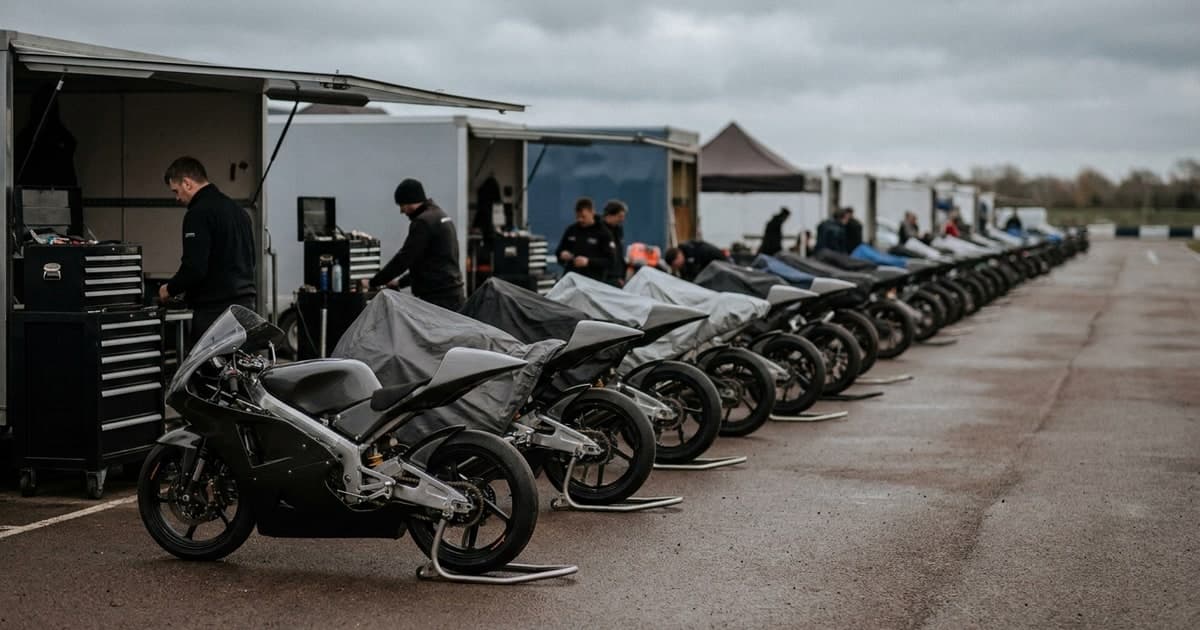
One race weekend is a problem you can brute-force. You come home with a card full of frames, you put an evening into them, and the mess is gone. Nothing about that evening scales, but it does not need to — it happened once.
A season is a different animal. Three events a week from spring to autumn, club rounds and gran fondos stacked on the same calendar, and every one of them arriving before you finished delivering the last. The evening that worked in March is the reason you are three events behind in July. What breaks is not any single step. It is that the manual parts compound.
This is about setting the tagging half up once, so it survives the repetition.
What actually changes when the events stack up
At one event, every decision is cheap. You can name folders however you like, keyword by hand, and fix mistakes as you spot them, because there is only one set on your disk.
At thirty events, three things start to cost real money:
- Setup you repeat by hand. Anything you configure per event — folder structure, keyword conventions, export presets — you now do thirty times, and you do it inconsistently, because you did it in a hurry on a Sunday night.
- Sets you touch twice. A batch you re-run because the entry list was wrong, or because the first pass ran before the organizer sent the final start list. On one event that is an annoyance. Across a season it is a category of work.
- Inconsistency between events. Round 3 has driver names in the keywords, Round 4 does not, because a different list was loaded. Six months later a client asks for every photo of one rider across the season, and you cannot answer with a search.
The last one is the expensive one, and it is invisible until someone asks.
The setup that pays for itself
Three decisions, made once, do most of the work.
Load the entry list, every time, even when it is thin. Matching against a list is what turns a number into a name. It is also the difference between a folder of frames tagged 46 and a folder that answers a search for a rider. If the list is late, it is worth waiting for it where your delivery deadline allows: analyzing a folder again to pick up names costs credits again, because 1 credit is 1 photo analyzed, every time. Where you cannot wait, tag with the numbers and accept that the second pass has a price.
Decide your keyword mode once. Keywords are written in append mode by default: new keywords are added to whatever is already in the file, duplicates are skipped case-insensitively, and anything written by another tool stays. Overwrite mode replaces the list instead. Pick one and keep it for the season. Mixing them halfway through is how Round 3 and Round 4 end up different.
Keep one folder convention. Not because the software cares, but because you will be reading these folder names in eleven months, in a hurry, while someone waits.
Why re-running a set is cheaper than it sounds
This is the part that matters most across a season, and it is worth being precise about what happens on disk.
When a folder is processed again in append mode, the existing keywords are read first and the new ones are filtered against them. Anything already present is dropped. If nothing is left to write — the normal case for a set you already tagged — the file is not touched at all. Not rewritten with identical content: not opened for writing.
When a file does get written, its modification timestamp is preserved. Your sort-by-date does not reshuffle because you re-tagged a folder.
The practical effect: a set that gets a corrected entry list picks up the names and nothing else changes. You are not choosing between a stale tag and a rebuilt folder.
One honest caveat, because it is the part that costs money: this is about what happens to your files, not about what the analysis costs. Re-analyzing a folder consumes credits again, at 1 credit per photo. The file side of a second pass is clean; the credit side is not free. Budget for the sets you know are likely to need one.
RAW and JPEG do not drift apart
If you shoot RAW and deliver JPEG — most people do — the season-scale worry is that the two formats slowly diverge, and eighteen months of archive ends up half-tagged.
They get the same metadata. The only thing that differs is where it lands: a JPEG gets keywords written into the file, a RAW gets an .xmp sidecar next to it. There is deliberately no branch that changes what is written based on format, because that branch is exactly how the two drift. If your preset supplies them, IPTC person fields are written the same way on both.
Which means a season's archive stays searchable in one query, whichever half of it you are pointing at. More on the sidecar mechanics in our XMP sidecar glossary entry, and the editor-side setup is in the Lightroom workflow guide.
Where a season still costs you
Being straight about this is more useful than a clean story.
A list without names gives you numbers. A name comes back when the row that matched carries one — and only then. Organizer exports vary wildly on this: some ship full rosters, some ship a number and a class and nothing else. When a set comes back correctly identified and still nameless, the matcher was not the limit. The list was. If names matter to your delivery, the cheapest fix is upstream, when you ask for the start list. The entry list guide covers the formats that import cleanly.
Ties do not resolve themselves. When several participants score close enough that nothing separates them, the frame is marked for review rather than treated as a confident match. Work that queue before you deliver, not after: a wrong name is cheap to fix while the set is still on your disk and expensive once it is in a client gallery. Across thirty events this is real recurring work, and it is the step people skip when they are behind.
Some frames never resolve. A bib folded into a runner's waistband, a plate packed with mud, a rider fourth in a pack behind three others. Nothing recovers what the camera did not see. The realistic goal is that these end up in one unmatched pile per event rather than scattered through your delivery.
Volume is lumpier than you plan for. Batch sizes are not uniform across a season — most sets are modest, a handful are enormous. Across the batches we have processed, the median is well under a hundred photos, while the largest single run is just over 7,000. Plan your credit balance around the big weekends, not the average one.
What the season looks like from the other end
Not a perfectly tagged archive. Nobody gets that, and a workflow that promises it is describing a demo, not a season.
What you get is consistency: every event tagged the same way, names present wherever the organizer supplied them, RAW and JPEG telling the same story, one review queue and one unmatched pile per round instead of thirty different conventions. When a client asks in November for everything you shot of one rider since March, that is a search rather than an archaeology project.
The evening you used to spend per event does not disappear entirely. It stops being an evening, and it stops arriving thirty times.
If your season runs on this, try RaceTagger free: 1 credit per photo, your own entry list, your own folder structure. See how it handles append-mode keywords and RAW/JPEG matching on one event before you commit it to thirty.