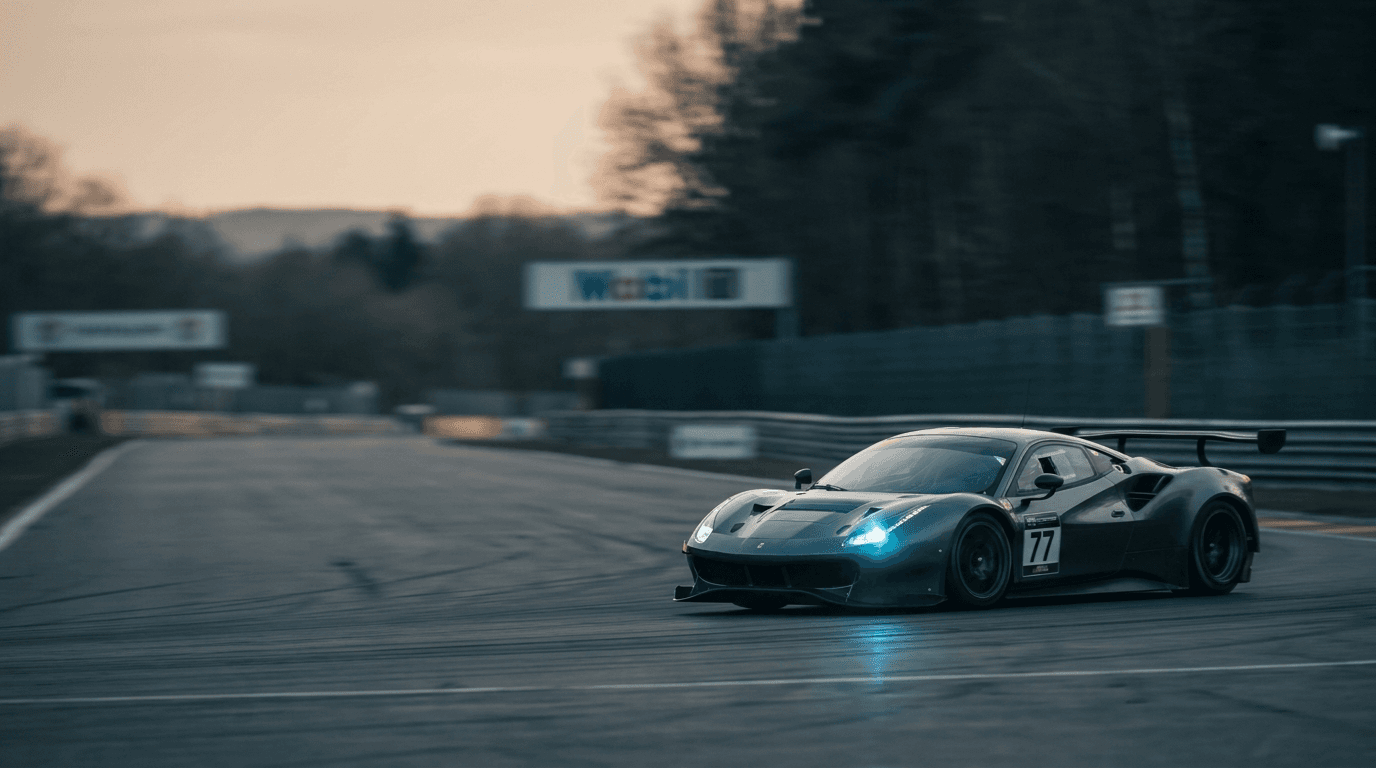
You just pulled 4,000 frames off the card at a regional endurance round. The team manager wants a first selection tonight; two sponsors want their cars by tomorrow morning. The editing isn't the hard part — your culling and develop tools handle that. The slow part is everything before it: working out which car is in which frame, and getting that information attached to the files so the right people can find their photos.
That gap, between the shoot and your editor, is where most of a race photographer's delivery time disappears. RaceTagger is built to close it.
The real bottleneck is identification, not editing
Photo Mechanic, Lightroom, and Capture One are very good at what they do: ingest fast, cull, rate, develop, export. What none of them know is that the car wearing number 46 is a specific entry on the day's start list, driven by specific people, run by a specific team. That knowledge lives in your head and on a PDF entry list — and turning it into searchable metadata is manual work. Type a number, type a name, move to the next frame, repeat a few thousand times.
On a 500-photo club race that's tedious. On a 5,000-photo endurance weekend it's the reason galleries go out late.
Where RaceTagger sits in the flow
RaceTagger is the AI pre-processor that runs after the shoot and before your editor. You point it at a folder of photos and give it the event's start list as a CSV. It reads the race number — or the bib number, for running and cycling — in each frame, matches it to a participant, and writes that identity straight into the file: the EXIF, XMP, and IPTC fields your editor already reads.
By the time you open Lightroom, the work is done. Filter by number, by team, by category, and the right frames are already grouped. You didn't change tools. You just skipped the typing.
What actually happens to a folder
Drop a folder in and RaceTagger works through it:
- It detects the number plate or bib in each photo and reads it.
- It corrects common misreads, and uses the timing of nearby frames to resolve ambiguous ones — a car you shot ten frames in a row is the same car.
- It matches the number against your start list, so 46 becomes the actual entry, not just a digit.
- It writes the result into the photo's metadata, and can rename and sort files into folders by number, team, or category.
RAW is handled too. It reads the embedded preview, so your NEF, CR3, ARW, and the rest go through the same way as JPEGs.
Pricing is simple: one credit is one photo analyzed. New accounts start with 500 welcome credits — enough to run a real event before deciding anything.
It works with your editor, not instead of it
RaceTagger isn't a catalog, a culler, or a replacement for the software you already trust. It's the identity layer those tools were never meant to build. Whether you live in Photo Mechanic, Lightroom, or Capture One, the tags land in standard metadata fields, so searching and filtering by number works in the editor you already use. Nothing new to learn on the part that matters most: the actual edit.
Honest about where it struggles
Clean, well-lit numbers read with high accuracy. Mud, heavy motion blur, a plate half-hidden by another car or a raised arm — those are harder, and pretending otherwise would waste your time. When RaceTagger isn't sure, it flags the handful of frames to review instead of guessing and quietly attaching the wrong name. You stay in control of the calls that matter; you just make far fewer of them.
The payoff is delivery speed
The seconds you used to spend squinting at a plate and typing a name, multiplied across an event, are the minutes between the checkered flag and a finished gallery. Move that work to a pre-processing step and the rest of your pipeline doesn't change — it just starts further ahead. Sponsors get their cars sooner. Athletes find themselves faster. You get your evening back.
That's the whole idea: tag the numbers between the shoot and your editor, and deliver before the next photographer has finished culling.
Try it on your next event
RaceTagger is built for sports photographers, by someone who got tired of typing numbers. You can run it free — 500 photos to start — on a real folder from a real race, and watch the tags land in your own editor.