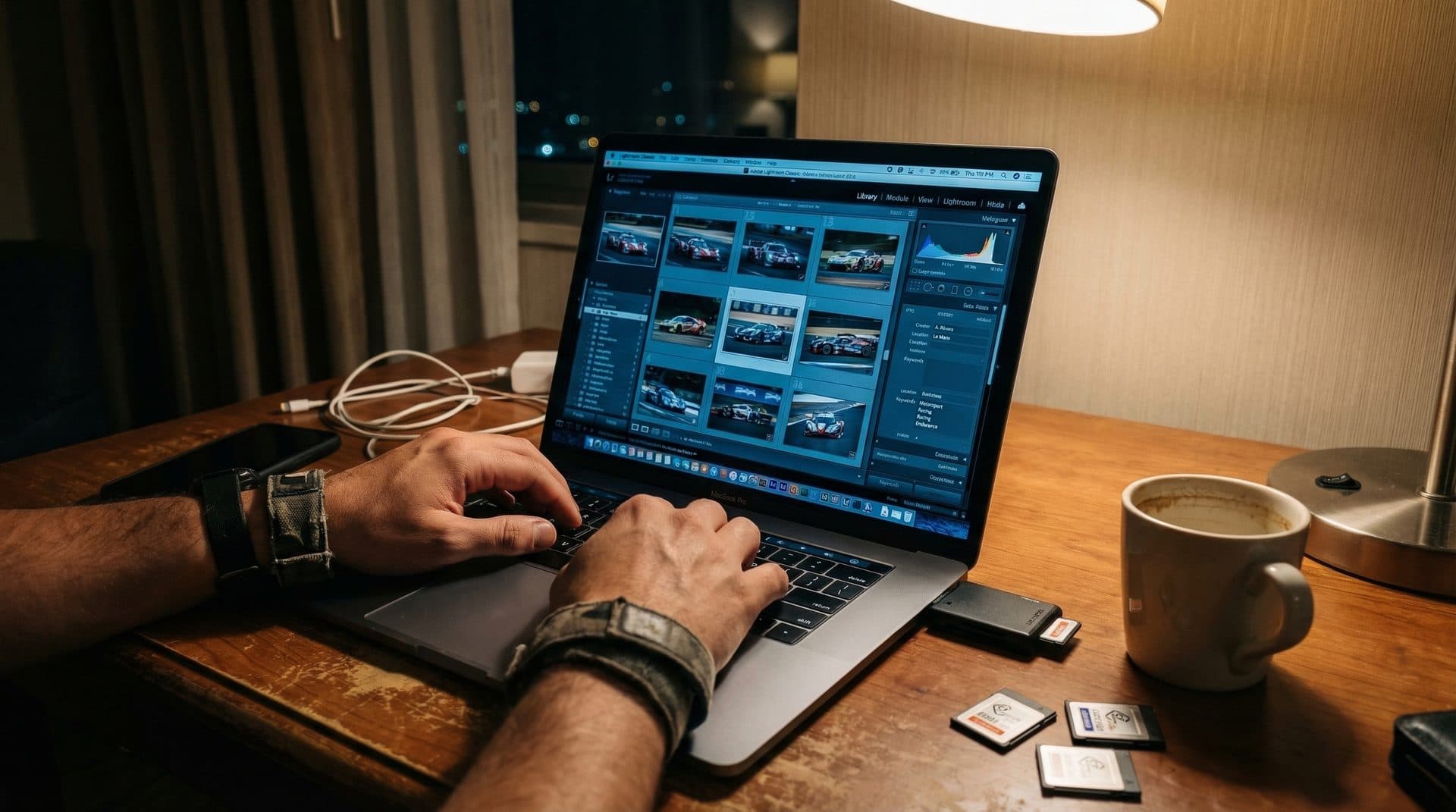
What Is IPTC Metadata?
IPTC stands for International Press Telecommunications Council — the organization that created a standardized set of fields for describing image content. These fields are embedded directly inside image files (JPEG, TIFF, and most RAW formats via XMP) and travel with the file wherever it goes.
Unlike EXIF data (which your camera writes automatically — shutter speed, aperture, ISO), IPTC fields describe what the photo is about: who's in it, what's happening, where it was taken, and who owns the rights.
Every professional photo agency, stock library, wire service, and news organization relies on IPTC metadata for photo management, search, and distribution.
IPTC vs EXIF: The Key Difference
| EXIF | IPTC | |
|---|---|---|
| Written by | Camera (automatic) | Photographer/software (manual or automated) |
| Contains | Technical settings (aperture, shutter, ISO, focal length, GPS) | Content description (keywords, captions, credits, copyright) |
| Purpose | "How the photo was made" | "What the photo is about" |
| Editable after? | Usually not modified | Designed to be added/edited post-capture |
| Used for | Technical analysis, organizing by camera settings | Search, delivery, licensing, archive management |
For race photographers: EXIF tells you the photo was shot at f/2.8, 1/2000s, ISO 3200. IPTC tells you it's car #51, Alessandro Pier Guidi, AF Corse Ferrari, GT3 Pro class, at Monza.
Key IPTC Fields for Race Photographers
Essential Fields
Keywords — The most important field for organization. Tags like driver names, team names, car numbers, categories, and event names. This is what makes your photos searchable.
Example for a GT racing photo:
numero_51, pilota_pier_guidi, team_af_corse, categoria_gt3_pro, event_gtwc_monza, racetagger
Caption/Description — A human-readable description of the photo content. Agencies and wire services use this for publication. Example: "Car #51 AF Corse Ferrari 296 GT3 driven by Alessandro Pier Guidi exits the Variante Ascari during GTWC Europe Race 1 at Monza."
Credit — Your name or agency name. Appears in photo credits when published.
Copyright — Ownership statement. Example: "© 2026 Your Name / Your Agency. All rights reserved."
Useful Additional Fields
City/State/Country — Where the photo was taken (Monza, Lombardy, Italy).
Date Created — When the photo was taken (usually auto-populated from EXIF).
Special Instructions — Usage restrictions, embargo dates, or delivery notes.
Object Name / Title — A short identifier for the image.
Category/Supplemental Category — Content classification (Sports, Motorsport, etc.).
Why IPTC Matters for Your Business
For Client Delivery
When you deliver tagged files to a racing team, agency, or media outlet, IPTC keywords make the photos immediately usable. The client doesn't have to manually catalog your work — they search "Pier Guidi" and find every relevant photo.
For Your Own Archive
After 5 years and 200,000+ photos, keyword search is the only practical way to find specific images. Proper IPTC keywording during initial processing saves countless hours later.
For Stock/Licensing
Stock libraries and licensing platforms use IPTC keywords for search and discovery. Better metadata = more visibility = more sales.
For Legal Protection
Copyright and credit fields provide documentation of ownership. While IPTC alone isn't legal proof, it's valuable evidence and professional standard practice.
How RaceTagger Automates IPTC Tagging
Manually writing IPTC keywords for 3,000 photos after a race weekend takes 6-8 hours. RaceTagger automates this:
- AI detects the race number in each photo
- Matches it to your CSV entry list (number → driver, team, category)
- Writes structured IPTC keywords to the file:
numero_51,pilota_pier_guidi,team_af_corse,categoria_gt3_pro - Writes a formatted Caption/Description with analysis results
- Preserves existing IPTC data you've already set (credit, copyright)
Processing 3,000 photos takes 20-30 minutes instead of 6-8 hours. The keywords follow a consistent naming convention that works across Lightroom, Capture One, Photo Mechanic, and any IPTC-compatible software.
IPTC in Different Software
| Software | Read IPTC | Write IPTC | Notes |
|---|---|---|---|
| Lightroom Classic | ✅ | ✅ | Keywords, Caption, Credit, Copyright panels |
| Capture One | ✅ | ✅ | Metadata panel |
| Photo Mechanic | ✅ | ✅ | IPTC Stationery Pad for batch editing |
| Adobe Bridge | ✅ | ✅ | Full IPTC panel |
| RaceTagger | ✅ | ✅ | Automated from AI analysis |
| ExifTool | ✅ | ✅ | Command-line, maximum control |
FAQ
Does IPTC metadata survive file format conversion?
Most professional tools preserve IPTC during export (JPEG, TIFF, PSD). Some web platforms strip metadata on upload for privacy reasons. Always verify your delivery pipeline preserves the metadata you've written.
Can IPTC keywords be embedded in RAW files?
Most RAW formats support embedded IPTC/XMP metadata. However, many photographers prefer writing to XMP sidecar files to avoid modifying the original RAW data. RaceTagger supports both approaches.
What's the maximum number of keywords per photo?
There's no hard limit in the IPTC specification. Practically, most software handles hundreds of keywords per image without issues. RaceTagger typically writes 5-15 structured keywords per photo.
Does social media preserve IPTC data?
It varies. Instagram strips most metadata. Facebook preserves some. Twitter/X removes most. For social sharing, the metadata serves your archive and delivery — don't rely on it surviving social platform uploads.
See IPTC automation in action. Download RaceTagger free → — 500 free credits on signup. Watch AI write your keywords automatically.