
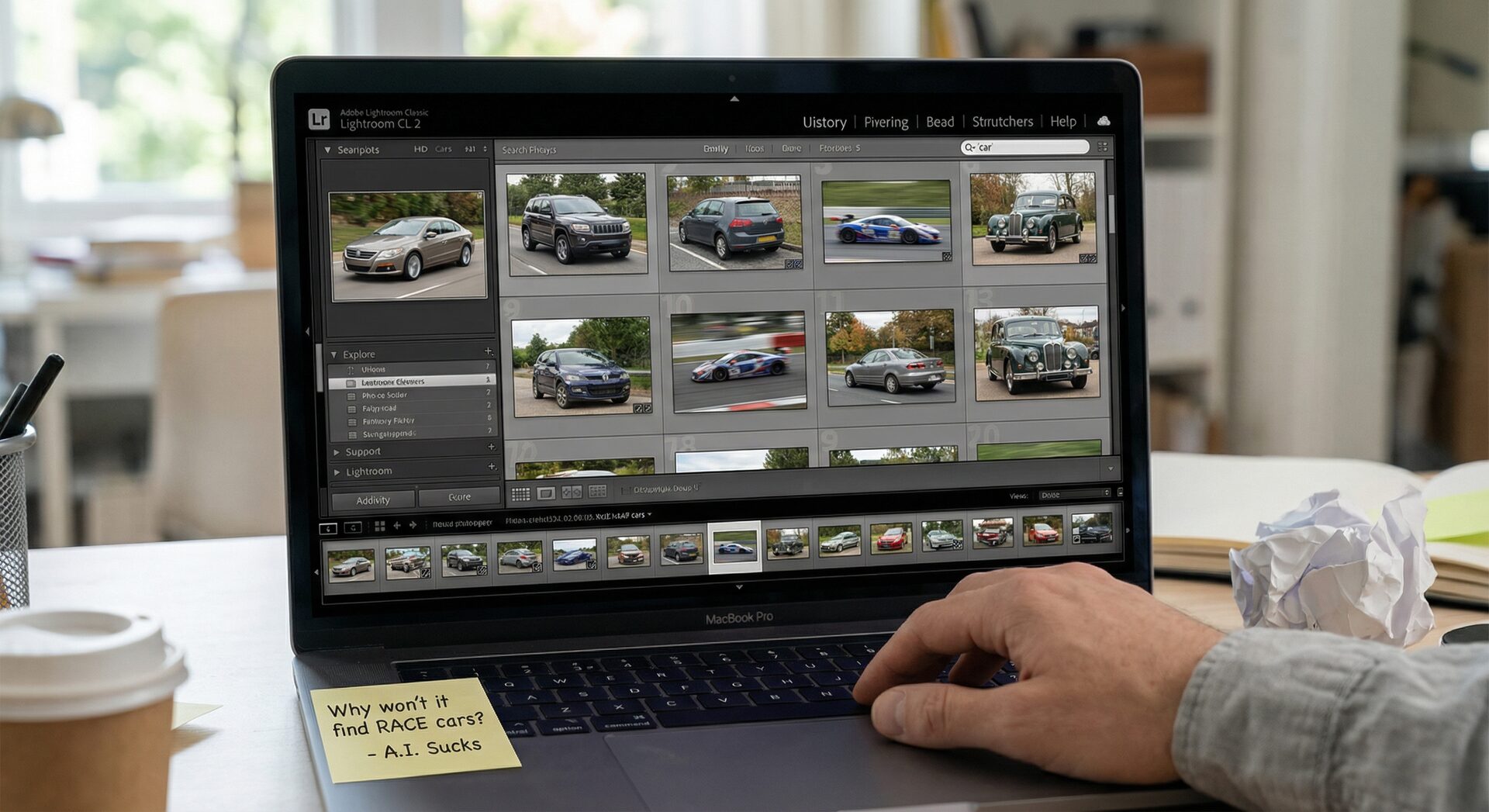
What Lightroom AI Actually Does in 2026
Adobe has invested heavily in AI across its products, but Lightroom Classic still has no native AI auto-keywording as of early 2026. Here's what exists:
Lightroom (cloud version) — Visual Search:
- Adobe Sensei analyzes images behind the scenes
- You can search for generic terms like "car," "blue," "outdoor," "person"
- Results are decent for broad categories
- Critical limitation: these tags are NOT written to your files — they only work inside Lightroom's cloud search
Lightroom Classic — No AI Keywording:
- No built-in AI tagging whatsoever
- All keywording is manual
- Some third-party plugins exist (Excire Search, LrTag) that add generic object detection
- None of these can read race numbers or match participants
What Lightroom AI recognizes:
- Generic objects: "car," "motorcycle," "person," "crowd"
- Scenes: "outdoor," "stadium," "track"
- Colors: "red," "blue," "green"
- Faces (Lightroom Classic face recognition)
What Lightroom AI cannot do:
- Read the number "51" on a car
- Know that car #51 is driven by Alessandro Pier Guidi
- Match a bib number to "Marco Rossi, M40 category"
- Write driver/team/category keywords to IPTC fields
- Process a CSV entry list
- Propagate identifications across burst sequences
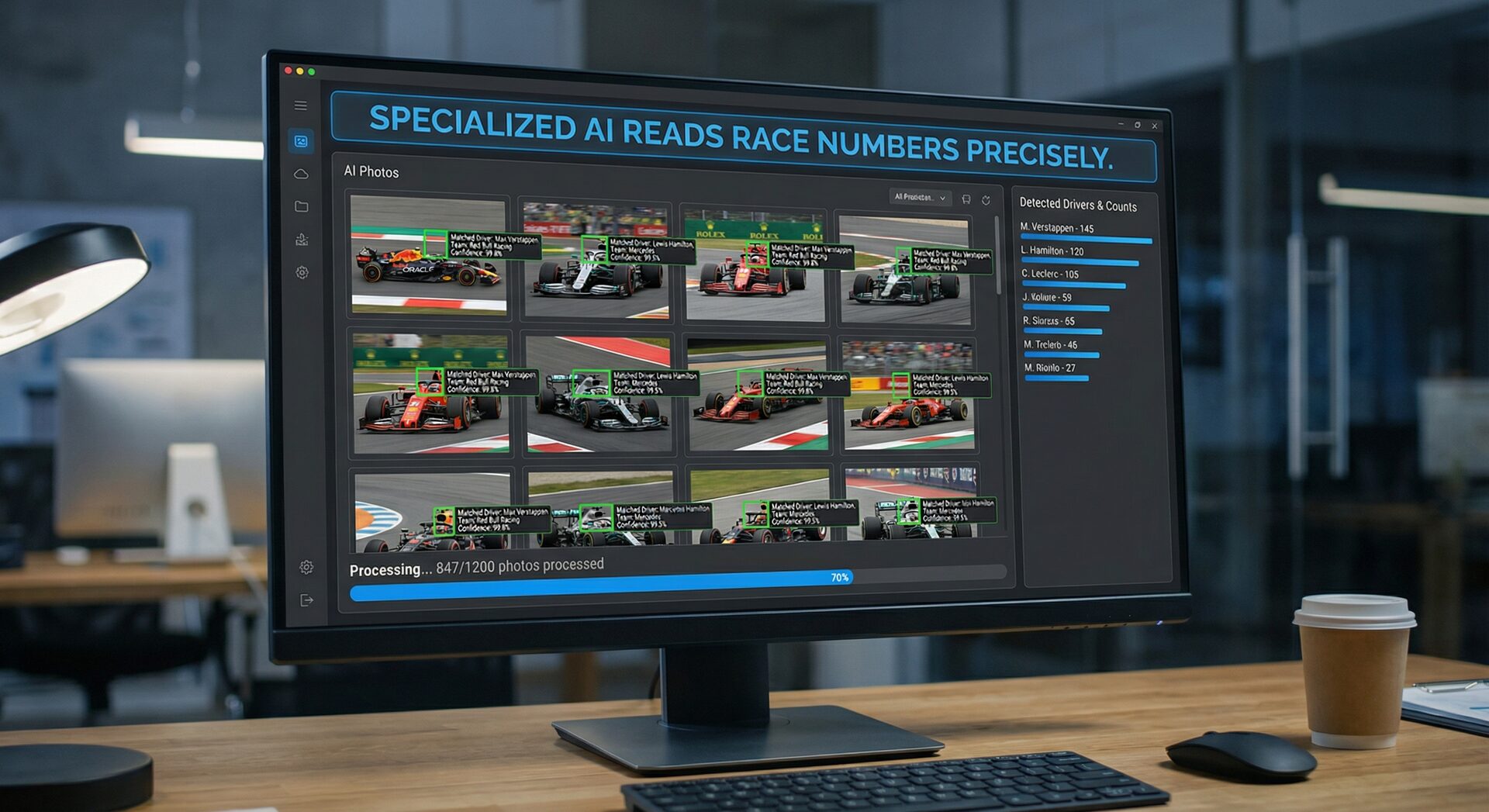
The Race Number Gap
This is the core problem for sports photographers. After a GT World Challenge weekend with 3,000 photos and 35+ cars, you need to tag each photo with the specific car number, driver name, team, and class.
Lightroom's AI might tell you "this photo contains a car." That's not useful when you have 3,000 photos of cars and need to know WHICH car is in each one.
The gap between "there's a car in this photo" and "this is car #51, AF Corse Ferrari, Alessandro Pier Guidi, GT3 Pro class" is exactly what RaceTagger fills.
Feature Comparison
| Feature | Lightroom AI | RaceTagger |
|---|---|---|
| Generic object detection | ✅ "car," "person," "outdoor" | ❌ Not its purpose |
| Race number reading | ❌ | ✅ AI detects numbers in images |
| CSV entry list matching | ❌ | ✅ Auto-match number → driver/team |
| IPTC keyword writing | ❌ (search only, no file writing) | ✅ Writes to files directly |
| XMP sidecar support | ✅ (reads/writes XMP) | ✅ Creates XMP sidecars |
| RAW file support | ✅ Full editing suite | ✅ NEF, CR2, CR3, ARW, all major formats |
| Burst sequence propagation | ❌ | ✅ Temporal clustering |
| OCR correction | ❌ | ✅ 100+ error patterns (6↔8, 1↔7) |
| Batch processing speed | N/A | ~1,000 photos in 8-12 min |
| Photo editing | ✅ Industry standard | ❌ Not its purpose |
| Photo culling | ✅ Star ratings, flags | ❌ |
| Price | €12/mo (Photography plan) | Free tier + packs from €39 |
They're Not Competitors — They're Partners
This is the key insight: Lightroom and RaceTagger solve completely different problems. Lightroom is for editing, color grading, and catalog management. RaceTagger is for identifying who's in each photo and writing that data as metadata.
The ideal workflow uses both:
Step 1 — RaceTagger (20-30 min): Load your CSV entry list → Select photo folder → Run AI analysis → Review results → Write metadata to files
Step 2 — Lightroom Classic (your normal editing time): Import folder → All keywords already populated → Filter by driver/team/category → Edit and export as usual
When you import RaceTagger-processed photos into Lightroom, every keyword is already there. You can immediately filter by numero_51 to see all photos of car #51, or by team_af_corse to see all Ferrari photos. No manual tagging needed.
What About Lightroom AI Plugins?
Several third-party plugins add AI keywording to Lightroom Classic:
Excire Search 2026 — Adds AI-powered search and auto-tagging inside Lightroom. Recognizes generic objects, scenes, and faces. Processes locally. ~€100 one-time. Good for general photo libraries, but doesn't read race numbers.
LrTag — Detects 10,000+ objects and scenes. Writes keywords to your catalog. Free/paid tiers. Again: generic detection, no race numbers.
Any Vision — Can read some text in images (signage, name tags). Closest to race number detection, but not designed for it. No CSV matching, no burst propagation, no sport-specific features.
The verdict on plugins: If you want generic AI keywording for a diverse photo library (weddings, travel, events), these plugins are useful. For race photography specifically — where you need to read numbers and match them to a participant database — none of these replace RaceTagger.
Real-World Time Comparison
Scenario: 2,000 photos from a GT racing weekend, 30 cars to identify.
| Approach | Tagging Time | Total Cost | Accuracy |
|---|---|---|---|
| Lightroom manual keywording | 5-7 hours | €0 (your time) | 99% but slow |
| Lightroom + Excire (generic AI) | Still 4-6 hours | €100 one-time | Generic tags only, no race numbers |
| Lightroom + RaceTagger | 30-45 min total | ~€10 in tokens | 85-95% on race numbers |
The time difference is stark: even with AI plugins, you still have to manually identify race numbers in Lightroom. RaceTagger eliminates that step entirely.
When to Choose What
Use Lightroom AI search if:
- You need to find "all sunset photos" or "photos with people" in your catalog
- You shoot diverse subjects (not just racing)
- You don't need specific participant identification
Add RaceTagger if:
- You shoot races with numbered participants (cars, bikes, runners, cyclists)
- You need to tag photos with specific driver/rider/runner names
- You process 500+ photos per event
- You deliver to clients who need searchable, organized files
- You want metadata written to files (not just searchable in one app)
Use both together for the fastest workflow: RaceTagger tags → Lightroom imports with metadata → You edit and deliver.
FAQ
Does RaceTagger work as a Lightroom plugin?
No, RaceTagger is a standalone desktop app. You run it BEFORE importing into Lightroom. It writes metadata (IPTC/EXIF or XMP sidecars) that Lightroom reads automatically on import. No plugin installation needed.
Can Lightroom's face recognition identify race drivers?
Lightroom Classic has face detection, but it requires you to manually name each face first, and it struggles with helmeted drivers, distant subjects, and motion blur. It's designed for portrait/wedding photography, not motorsport.
Will Adobe add race number detection to Lightroom?
There's no indication Adobe is building sport-specific number detection. Lightroom's AI roadmap focuses on general photography features (enhanced search, generative AI editing). Race number detection is a niche need that specialized tools like RaceTagger address.
I already have Lightroom. Is RaceTagger worth the extra cost?
If you manually tag race photos for more than 2 hours per event, yes. RaceTagger's free tier gives you 500 free credits on signup. Try it on one event folder and see how much time it saves before buying a token pack.
The bottom line: Lightroom is essential for editing. RaceTagger is essential for tagging. Use both and skip the 6 hours of manual keywording.
Download RaceTagger free → — 500 free credits on signup. Process your photos before importing into Lightroom.