
Every race photographer knows the pain: you've shot 3,000 photos at a marathon, a cycling race, or a motorsport event. The shooting was the fun part. Now comes hours of manual tagging — matching bib numbers to participant names, writing keywords into EXIF metadata, organizing folders by driver or runner.
What if you could tag race photos automatically instead?
In 2026, AI-powered tools make this not just possible but practical. This guide covers exactly how automatic race photo tagging works, what tools exist, and how to set up a workflow that saves you 80% of your post-processing time.
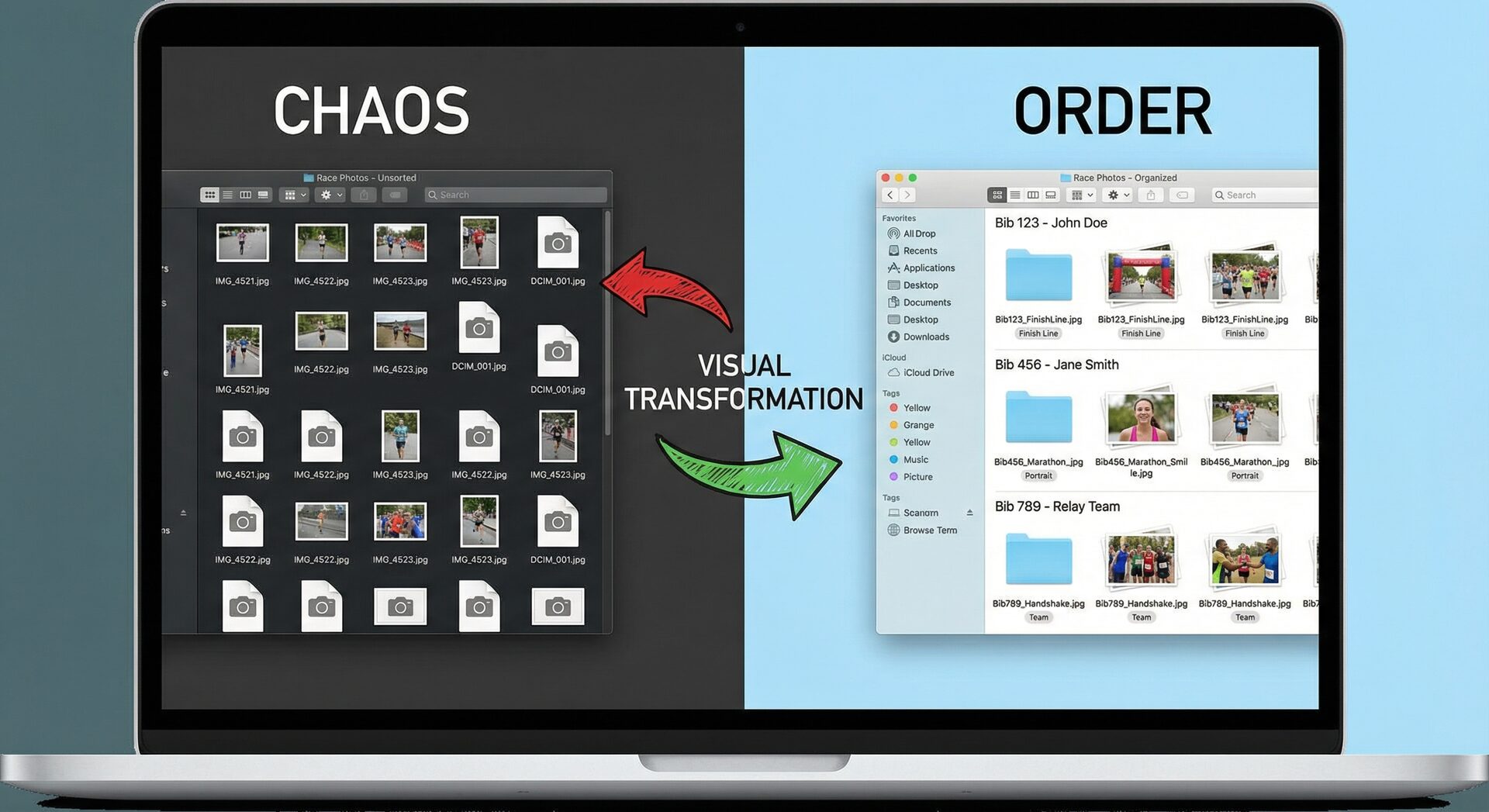
Why Manual Race Photo Tagging Is Broken
Let's be honest about what manual tagging actually looks like:
The typical workflow without automation:
- Import 2,000-5,000 photos from an event
- Open each photo (or batch of photos)
- Squint at bib numbers — zoom in, enhance, guess
- Type the bib number into keywords or a spreadsheet
- Cross-reference with a participant list (if you have one)
- Add participant name, team, category to metadata
- Repeat 2,000-5,000 times
Time cost: 8-16 hours for a medium-sized event. That's an entire working day (or two) doing repetitive data entry instead of editing, delivering, or shooting another event.
The real cost isn't just time:
- Delayed delivery means unhappy clients
- Fewer events per year means lower revenue
- Tedious work leads to burnout and mistakes
- Missed bib numbers mean missed sales
How Automatic Race Photo Tagging Works
Modern AI race photo tagging follows a straightforward pipeline:
Step 1: Bib Number Detection
AI models scan each photo and locate visible bib numbers, car numbers, or plate numbers. The best systems use specialized models trained specifically on sports photography — not generic OCR.
What the AI handles:
- Multiple bib numbers in one frame (group shots)
- Partially obscured numbers (folded bibs, mud, motion blur)
- Different number formats (running bibs, car numbers, cycling plates)
- Various angles and distances
Typical accuracy: 90-98% depending on the sport, image quality, and number visibility.
Step 2: Participant Matching
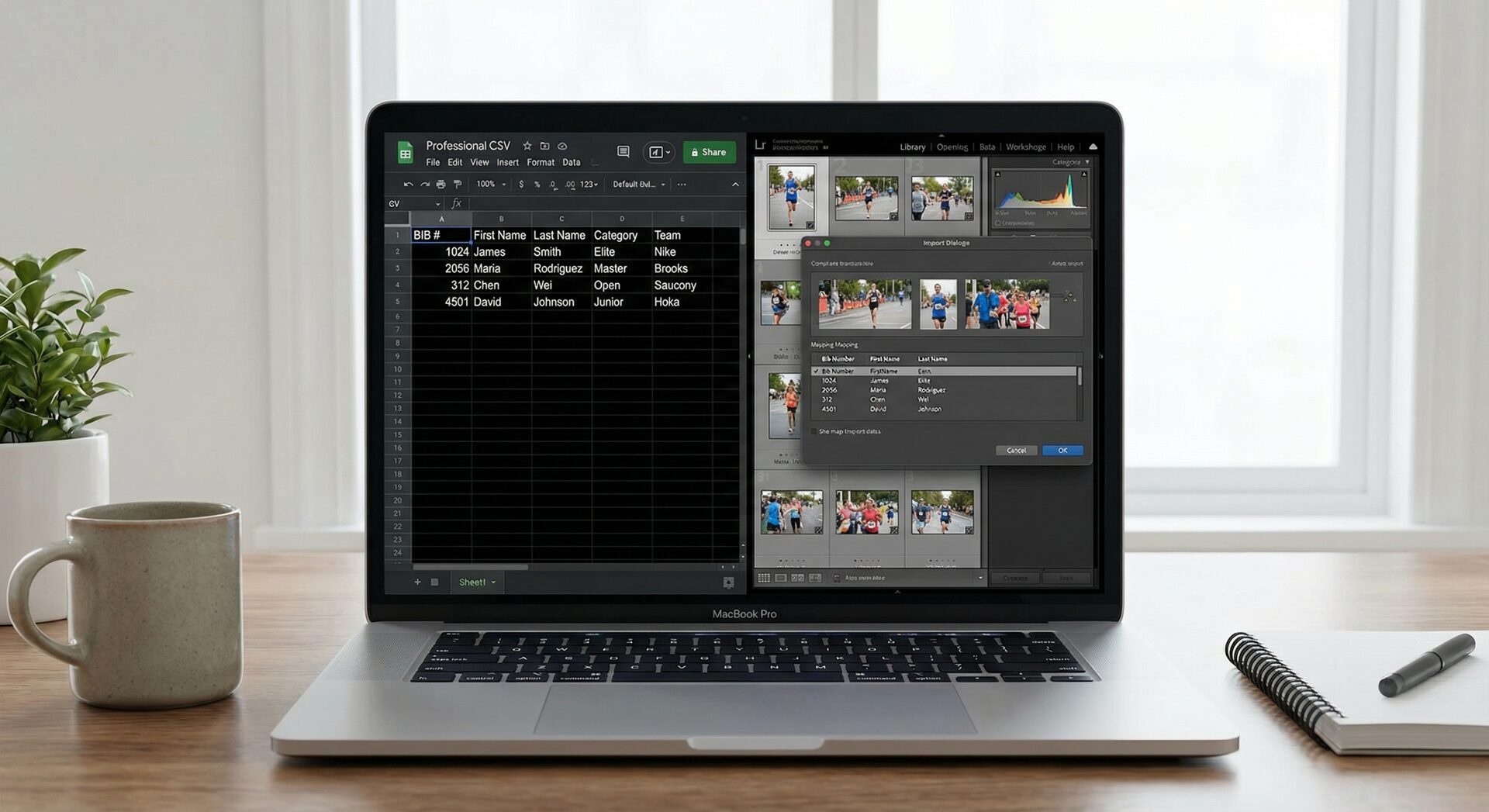
Once bib numbers are detected, the system matches them against your participant list (usually a CSV file with columns like: number, name, team, category).
Example CSV:
numero,nome,categoria,squadra
101,Marco Rossi,Senior,Team Alpha
102,Laura Bianchi,Under 23,Cycling Club
103,Giovanni Verdi,Elite,Pro Racing
The AI reads "101" from the bib → matches it to "Marco Rossi, Senior, Team Alpha" → writes all that data into the photo's metadata.
Step 3: Metadata Writing
The final step writes the matched data into the photo's EXIF/IPTC/XMP metadata fields. This is what makes photos searchable in Lightroom, Photo Mechanic, or any DAM system.
Typical metadata written:
- IPTC Keywords: Bib number, participant name, team, category
- IPTC Caption: "[Name] (#[Number]) - [Category] - [Team]"
- XMP Subject: Structured tags for filtering
- Custom fields: Depending on the tool
After this step, your photos are fully tagged and ready for editing, delivery, or gallery upload.
Tools That Tag Race Photos Automatically
RaceTagger (Desktop, Local Processing)
Full disclosure: I built RaceTagger because I was spending entire weekends tagging motorsport photos manually.
How it works:
- Select your photo folder and CSV participant list
- AI detects bib/car numbers using Google Gemini vision models
- Matches against your CSV and writes EXIF/IPTC metadata directly
- Photos never leave your computer (local processing)
Best for: Motorsport, running, cycling, triathlon, karting — any sport with visible numbers.
Pricing: Free tier (500 credits on signup). Token packs from €39 for larger events.
Real-world result: Photographer Luca used RaceTagger at the 2025 Ferrari World Finals at Mugello Circuit and achieved a 98% detection accuracy across thousands of photos of fast-moving Ferrari Challenge cars.
TrackAction AI (Cloud-Based)
Cloud platform that processes race photos through their servers.
Best for: Events where you're comfortable uploading photos to the cloud.
Trade-off: Photos leave your computer. Subscription-based pricing ($10-299/month).
TagMyRun (Running/Triathlon Focus)
Specialized for running events with marathon bib detection.
Best for: Running events and triathlons specifically.
FotoSort (Google Vision API)
Desktop app that uses Google's Vision API for number detection.
Best for: Budget-conscious photographers willing to set up Google API credentials.
Setting Up an Automatic Tagging Workflow
Here's a practical, step-by-step workflow that works for any race event:
Before the Event
- Get the participant list — Ask the organizer for a CSV or Excel file with numbers, names, teams, categories
- Clean the CSV — Make sure columns are consistent, no special characters in names
- Test with sample photos — Run 10-20 photos through your chosen tool to verify it works
During the Event
- Shoot normally — No special requirements. The AI works with whatever you capture
- Transfer in batches (optional) — If you want same-day delivery, transfer cards as you fill them
After the Event
- Import photos — Into your working folder (RAW or JPEG, depending on your tool)
- Run automatic tagging — Point the AI at your photo folder + CSV
- Review flagged results — Most tools flag low-confidence detections for manual review
- Quick corrections — Fix the 2-10% the AI wasn't sure about
- Import into Lightroom/Photo Mechanic — Photos arrive pre-tagged with all metadata
Total Time Comparison
| Event Size | Manual Tagging | Automatic + Review | Time Saved |
|---|---|---|---|
| 500 photos | 3-4 hours | 20-30 min | ~85% |
| 2,000 photos | 10-14 hours | 45-60 min | ~90% |
| 5,000 photos | 24-30 hours | 1.5-2 hours | ~92% |
The larger the event, the more time you save. The AI scales linearly; your manual effort doesn't.
Common Concerns About Automatic Tagging
"What about photos where the bib isn't visible?"
Every race has photos where the number is hidden — from behind, too far away, or blocked by another person. Good AI tools flag these as "no detection" rather than guessing. You review them manually, but they're typically 5-15% of total photos rather than 100%.
"What if the AI makes mistakes?"
It does, occasionally. That's why the workflow includes a review step. But reviewing 50-100 flagged photos is very different from manually tagging 3,000.
A 95% accuracy rate on 3,000 photos means: 2,850 automatically tagged correctly, 150 to review manually. That's 30 minutes of review vs. 14 hours of manual work.
"Does it work with RAW files?"
Depends on the tool. RaceTagger processes JPEGs for detection (RAW files are too large for vision AI) but writes metadata back to XMP sidecar files that Lightroom reads alongside your RAW files. The result is the same — your RAW files get tagged.
"What about privacy? Do photos get uploaded?"
This varies significantly by tool:
- Local tools (RaceTagger, FotoSort): Photos stay on your computer. Nothing is uploaded.
- Cloud tools (TrackAction, TagMyRun): Photos are uploaded to servers for processing.
If you shoot events with privacy-sensitive content (children's races, corporate events), local processing is the safer choice.
Tips for Best Results
-
Clean CSV data matters more than you think. Consistent formatting in your participant list dramatically improves matching accuracy.
-
JPEG quality affects detection. If you're sending JPEGs to the AI, don't over-compress them. Quality 80+ gives the best results.
-
Test before the event. Run the tool on sample photos from a previous event first. Discover quirks before deadline pressure.
-
Use the review step. Don't blindly trust 100% of AI detections. The 5-minute review step catches the edge cases.
-
Combine with Photo Mechanic or Lightroom. Automatic tagging handles the boring part. You still do the creative editing in your preferred tool.
The Bottom Line
You became a race photographer to capture incredible moments — not to spend 14 hours typing bib numbers into a spreadsheet.
Automatic race photo tagging in 2026 is accurate enough (95-98%), fast enough (minutes instead of hours), and affordable enough (free tiers exist) that there's no reason to keep doing it manually.
The question isn't whether to automate your tagging. It's which tool fits your workflow best.
Tag Your Race Photos Automatically
RaceTagger detects bib numbers, matches participants, and writes EXIF metadata — all on your computer. 500 free credits when you sign up.
Download RaceTagger FreeWindows & macOS. No credit card required. Works with Lightroom, Photo Mechanic, Capture One.
Still tagging race photos by hand? Try RaceTagger free — 500 free credits when you sign up, no credit card required. Your weekends will thank you.
Workflow Guides by Sport
Need step-by-step instructions for your specific discipline? Check our complete workflow guides: