
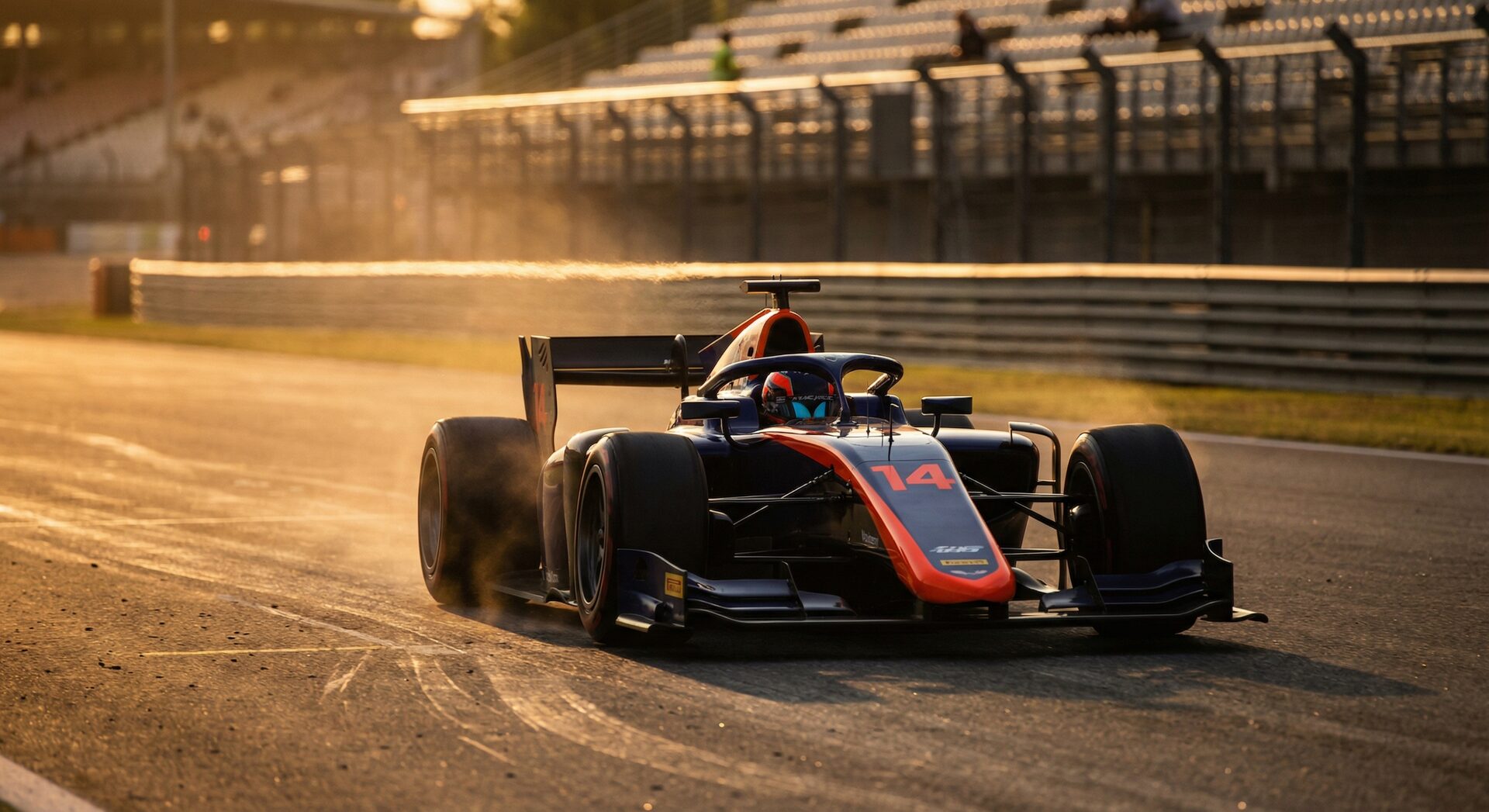
Motorsport: Cars & Open Wheel
Where numbers appear: Door panels, roof, front splitter, rear wing end plates. Multiple locations per car, often with sponsor graphics around the number.
Common challenges:
- Motion blur at high speeds (300+ km/h in F1/WEC)
- Numbers partially hidden by aero elements
- Similar liveries with different numbers
- Night racing (WEC 24h, NASCAR under lights)
- Mud and dirt (rally, rallycross)
How AI handles it: The AI scans multiple regions of the vehicle simultaneously. Even if the door number is obscured by a reflection, the roof number or rear wing number provides a match. RaceTagger's detection handles 1-4 digit numbers with optional letter prefixes — covering everything from single-digit F1 cars to 4-digit club racing entries.
Typical workflow:
- Shoot 2,000-4,000 photos per race weekend
- Import CSV starting list (driver, team, class, car number)
- AI detects car numbers across all photos
- Auto-match to driver names and teams
- Export tagged files to Lightroom/Photo Mechanic
Time saved per event: 6-10 hours of manual tagging → 30-45 minutes with AI
Best sports in this category: Formula 1, WEC, GT racing, touring cars, NASCAR, IndyCar, club racing, historic racing, karting (see below for karting-specific tips).
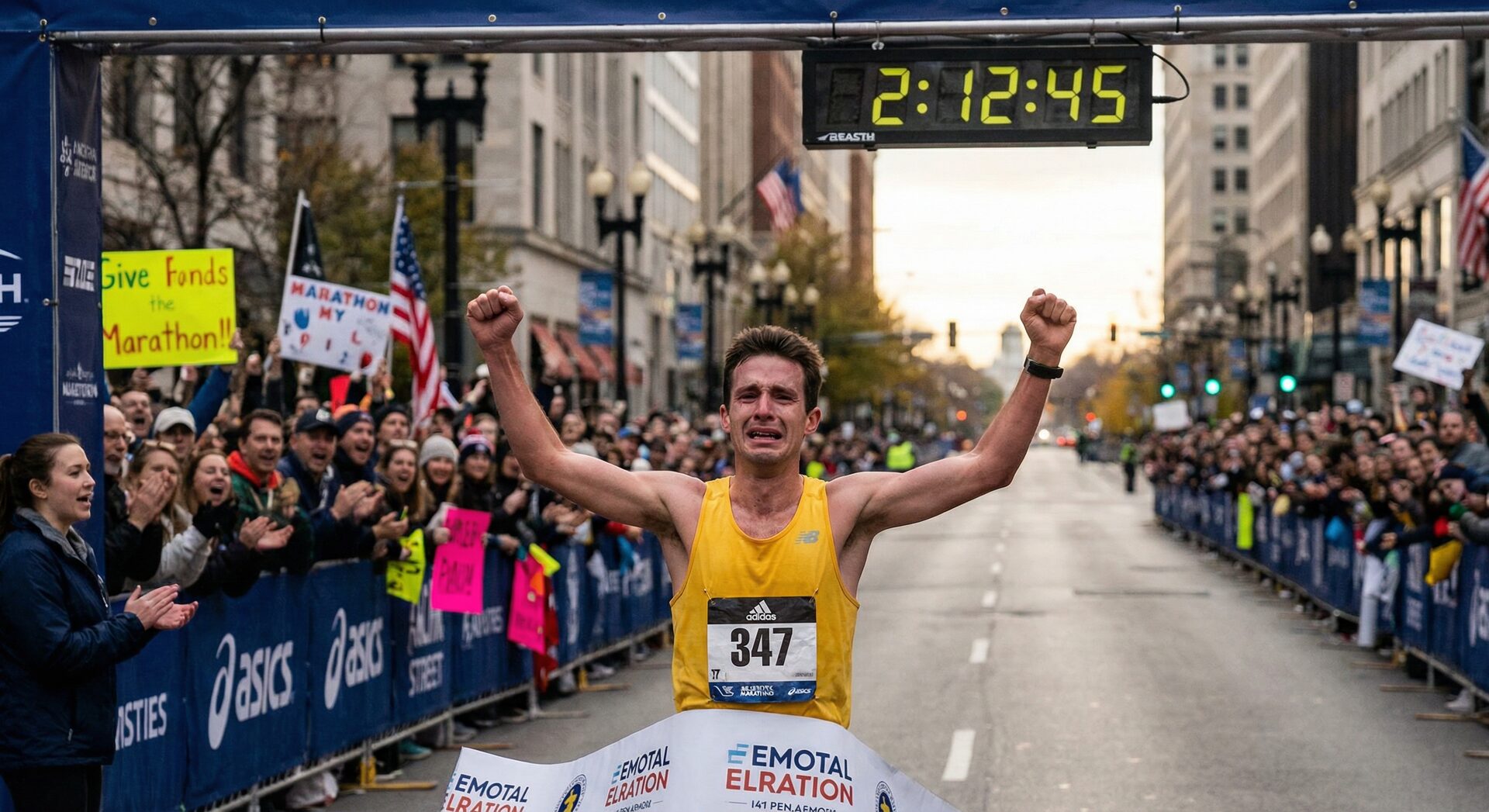
Marathon & Running Events
Where numbers appear: Chest bib (front), sometimes back bib. Standard rectangular bibs with 1-5 digit numbers.
Common challenges:
- Arms covering the bib while running
- Bibs crumpled, folded, or pinned poorly
- Sweat and rain making bibs translucent
- Dense crowds at start/finish (multiple bibs per frame)
- Timing chips and belts partially covering numbers
How AI handles it: Bib detection is actually one of the most mature areas of computer vision — the rectangular bib with high-contrast numbers is easier to detect than car numbers in many cases. AI accuracy on clean frontal marathon shots is typically 95-98%. Even with partial occlusion, accuracy stays above 85%.
Typical workflow:
- Shoot 3,000-5,000 photos (multiple course positions + finish line)
- Import participant CSV from race organizer (bib, name, category, team, email)
- AI batch-detects bibs across all photos
- Auto-match to runner names
- Export organized galleries (per-runner folders or tagged for SmugMug/Pixieset)
- Email participants with gallery links
Time saved per event: 10-16 hours → under 2 hours
Best sports in this category: Marathons, half-marathons, 10K/5K races, ultra-marathons, obstacle course racing (Spartan, Tough Mudder), color runs.
For a complete marathon workflow, see our Marathon Photography Workflow guide.
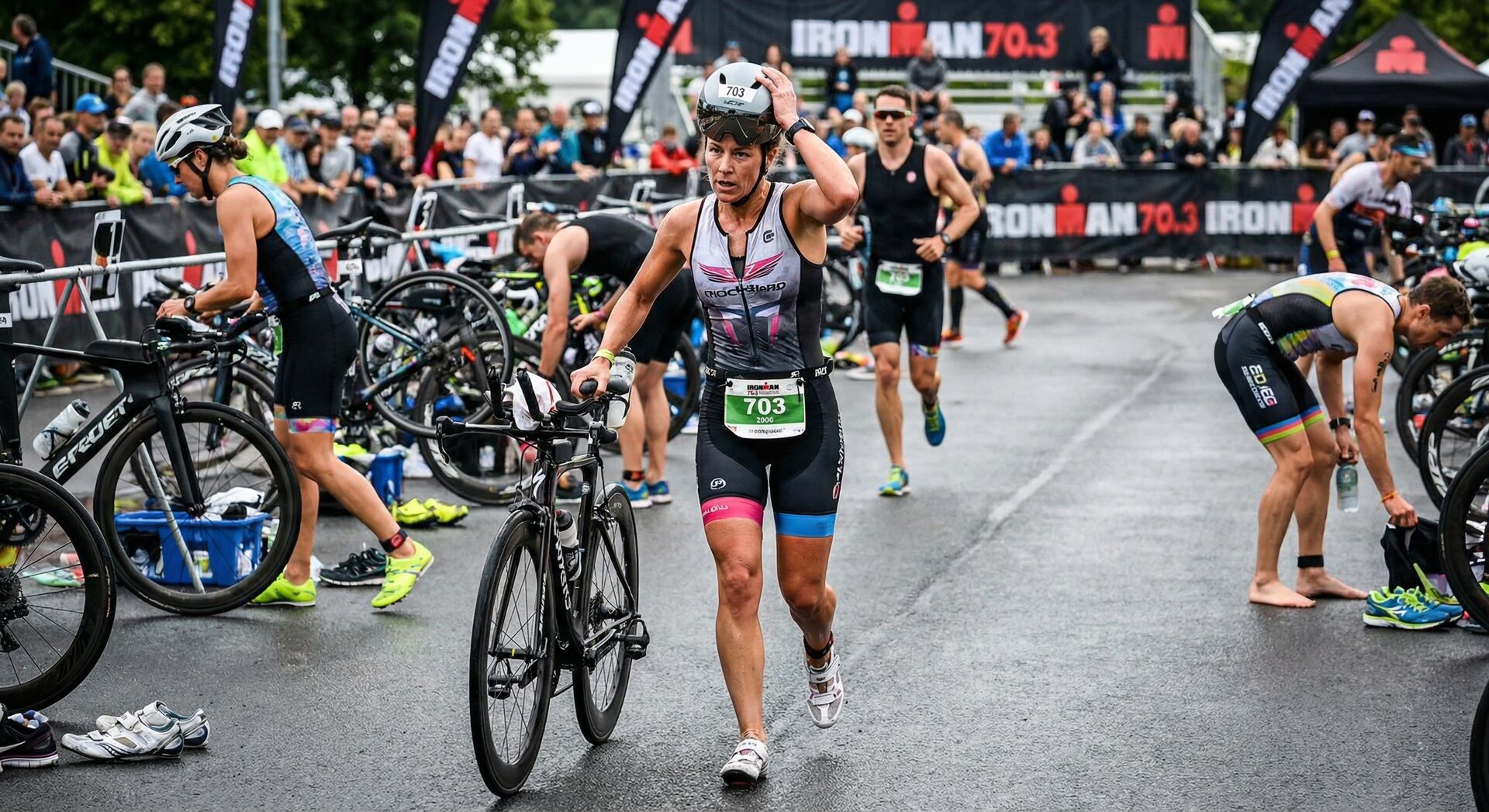
Cycling & Triathlon
Where numbers appear: Frame-mounted number plates (front or side), jersey numbers (back), bib numbers on shorts/belt. In triathlon: different numbers per discipline.
Common challenges:
- Side angles on road cycling (number plates perpendicular to camera)
- High speed descents (motion blur)
- Peloton photos with 50+ riders
- Triathlon transitions (athlete changing gear, number obscured)
- Helmet-mounted numbers (track cycling, time trials)
How AI handles it: Cycling requires detecting numbers at varied angles — not just frontal. The AI processes frame-mounted plates that may be at 30-60° angles, which is harder than flat bibs. For peloton shots, AI detects all visible numbers and tags the photo with multiple participants.
Typical workflow:
- Position at climbs, sprint zones, finish line (where riders spread out)
- Shoot 1,500-3,000 photos per stage
- Import CSV with rider number, name, team, jersey classification
- AI detects frame/bib numbers
- Auto-match — including multi-rider photos
- Export with keywords per rider
Time saved per event: 4-8 hours → 30-60 minutes
Best sports in this category: Road cycling, track cycling, cyclocross, gravel racing, triathlon (bike leg), time trials, criteriums.
Karting
Where numbers appear: Nose cone (front), side pods, rear bumper. Usually large, bold numbers — easy targets for AI.
Common challenges:
- Similar kart chassis (everyone runs the same brand)
- Helmets obscuring the driver from above
- Small track — drivers pass the same point 30+ times per race
- Junior classes with less consistent number placement
How AI handles it: Karting numbers are typically large and high-contrast — excellent for AI detection. The challenge is volume: a 20-lap race with 30 karts means potentially 600 passes, and you might shoot 3,000-5,000 photos of essentially the same karts going around. CSV matching is critical here because kart liveries are often nearly identical.
Typical workflow:
- Get entry list from track or organizer
- Shoot from 2-3 positions around the track
- AI detects numbers on nose cones and sidepods
- CSV match to driver names (essential when karts look identical)
- Deliver per-driver galleries to parents/teams
Time saved per event: 3-6 hours → 20-30 minutes
Pro tip: Karting clients are often parents of young drivers. Fast delivery = happy parents = repeat bookings. AI tagging lets you deliver same-day, which your competitors can't match manually.
Rally & Off-Road
Where numbers appear: Door panels, roof, front bumper. Numbers often smaller than circuit racing, with more sponsor graphics competing for space.
Common challenges:
- Mud, dust, and snow covering numbers
- Limited shooting positions (single pass per car per stage)
- Extreme conditions (rain, forest shadows, desert dust)
- One chance per car — you get the shot or you don't
How AI handles it: Rally is the hardest discipline for AI detection. Mud and dust can genuinely obscure numbers beyond recognition — for any system, AI or human. However, most rally cars have numbers in multiple locations, and even partial detection gives you enough to match. RaceTagger's accuracy in rally conditions: 80-90% (vs 93-98% on clean circuit cars).
Typical workflow:
- Pre-download entry list (WRC, national championships publish online)
- Shoot 1,500-2,000 photos across 3-5 stages
- AI processes — expect lower confidence on mud-covered cars
- Manual review of flagged uncertain detections (10-20% of photos)
- Export organized by crew
Time saved per event: Still 3-5 hours saved even with higher manual review rate
For detailed rally guides, see: WRC Rally Photography and Dakar Rally Guide.
How to Set Up for Your Sport
Regardless of discipline, the core workflow is:
1. Get your participant list. Race organizers, timing companies, or official websites publish entry lists. Download it or create a CSV with AI in 5 minutes.
2. Import photos and CSV into RaceTagger. Select your sport category — this optimizes the AI's detection patterns for where numbers typically appear in that discipline.
3. Let AI process. Processing time depends on volume: roughly 1 minute per 25-30 photos.
4. Review uncertain detections. The AI flags photos where it's not confident. Usually 5-15% of total — higher for muddy rally, lower for clean marathon bibs.
5. Export tagged files. XMP sidecars for Lightroom, IPTC keywords for Photo Mechanic, organized folders for direct delivery.
Sport-Specific Workflow Guides
Want a deep dive into your discipline? We've built complete workflow guides for each sport:
- Motorsport: F1/Formula racing · MotoGP · NASCAR · Rally · DTM/GT · Kart · Superbike
- Endurance: Marathon · Cycling · Triathlon · Trail Running · Swimming
- Track days: Track Day Events
Each guide covers the specific identification challenges of that sport — bib positions, number obscuration, multi-subject tagging, and delivery timelines.
One Tool, Multiple Sports
Many race photographers shoot across disciplines. You might cover F1 on Sunday and a marathon the following weekend. The advantage of a multi-sport tool is that you learn the workflow once and apply it to everything — instead of juggling different tools for different sports.
RaceTagger is designed for exactly this: same workflow, adapted detection per sport, one tool for your entire season.
What Sport Do You Shoot?
RaceTagger works across motorsport, running, cycling, triathlon, and more. Try it free with 500 credits on signup — no credit card required.
Get Started FreeShoot a discipline not covered here? Email info@racetagger.cloud — we're always expanding sport-specific detection.